
PAKVIP Prime Hack APK download (2026 build)
This is the only page we host the file on. Tap the button, wait out the five-second countdown, and PAKVIP-Prime-Hack.apk lands in your Downloads folder. It is free, it needs Android 6.0 or newer, it does not need root, and it will never ask you for your PAKVIP login.
Free download · no signup · no unlock code · 18+ only
APK details
| App name | PAKVIP Prime Hack |
|---|---|
| File | PAKVIP-Prime-Hack.apk |
| Build | 2026 |
| Category | Wingo pattern analyser / AI predictor |
| Platform | Android 6.0 (Marshmallow) and above |
| Architecture | 32-bit and 64-bit |
| Root required | No |
| Permissions | Network access only |
| Account access | None — never asks for the PAKVIP login |
| Price | Free (no in-app purchase, no subscription) |
| Source | pakviphack.site — direct download, no mirror |
Install it in four steps
-
Save the APK
Tap any green download button. A short countdown appears, then the file saves. Chrome may warn that APK files can harm your device — that notice appears for every sideloaded app and is not specific to this one.
-
Allow installs from your browser
Open the file from Downloads. Android prompts for permission to install unknown apps; grant it to the browser or file manager you are using, then press back to return to the installer.
-
Install
Tap Install and wait a few seconds. If Play Protect interrupts, choose the option to install anyway. Nothing else is requested at install time beyond network access.
-
First launch
Open the app and leave it for a moment while it pulls the 300-round history. Once the history panel is populated, a graded prediction appears for each new round.
Play Protect note. Google Play Protect flags almost every app installed from outside the Play Store, because the file has no Play Store signature to compare against — not because it has found anything inside. You will likely see “unsafe app blocked” or “app not scanned”. Continuing past it is your decision; if you would rather not sideload at all, do not install the app.
Safety and spotting fake copies
PAKVIP Prime Hack is passed around in groups and channels, and reuploads are frequently repackaged with things we never put in them. Before you install any copy, check it against this list. A genuine build:
- asks for network access only — nothing about SMS, contacts, call logs, accessibility services or “draw over other apps”;
- has no login screen at all — no PAKVIP username, password, OTP, UPI or wallet field anywhere in it;
- is free end to end — no activation key, no “pay to unlock VIP signals”, no Telegram admin to message for a code;
- does not ask you to disable Play Protect permanently or install a second helper app alongside it;
- came from pakviphack.site — we host one file, at
apk/PAKVIP-Prime-Hack.apk, and run no mirrors.
If a copy fails any of those checks, uninstall it. A predictor has no legitimate reason to want your account credentials, your contacts or your payment details — anything asking for them is after something other than Wingo patterns.
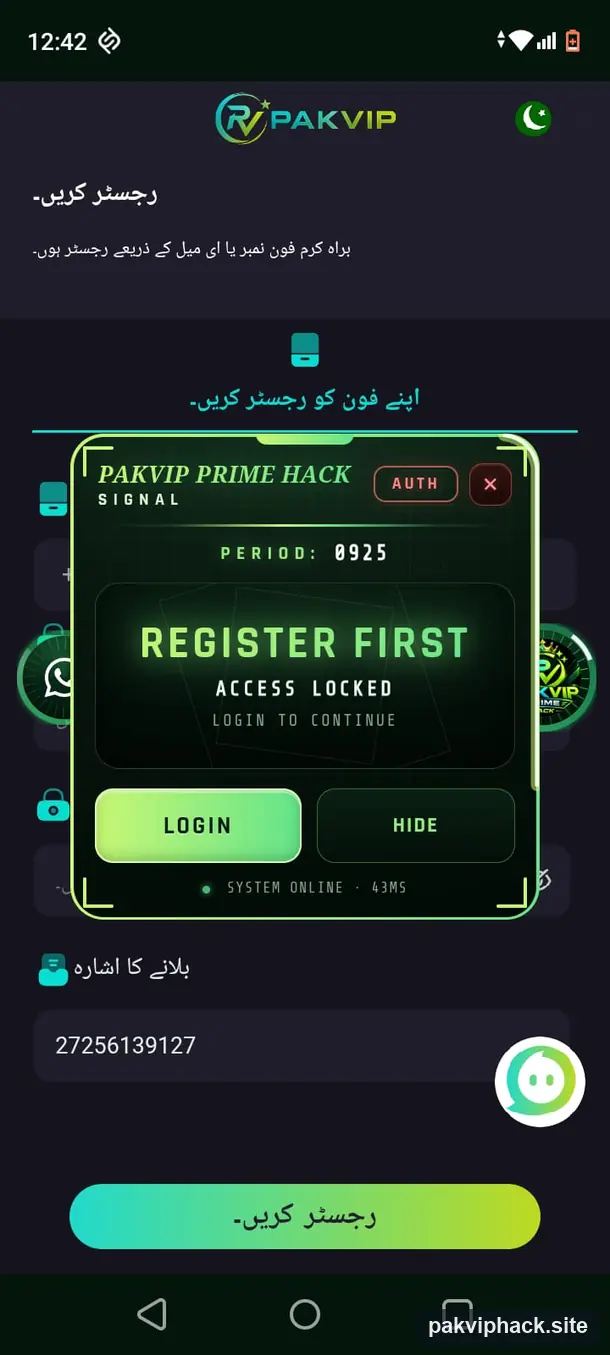
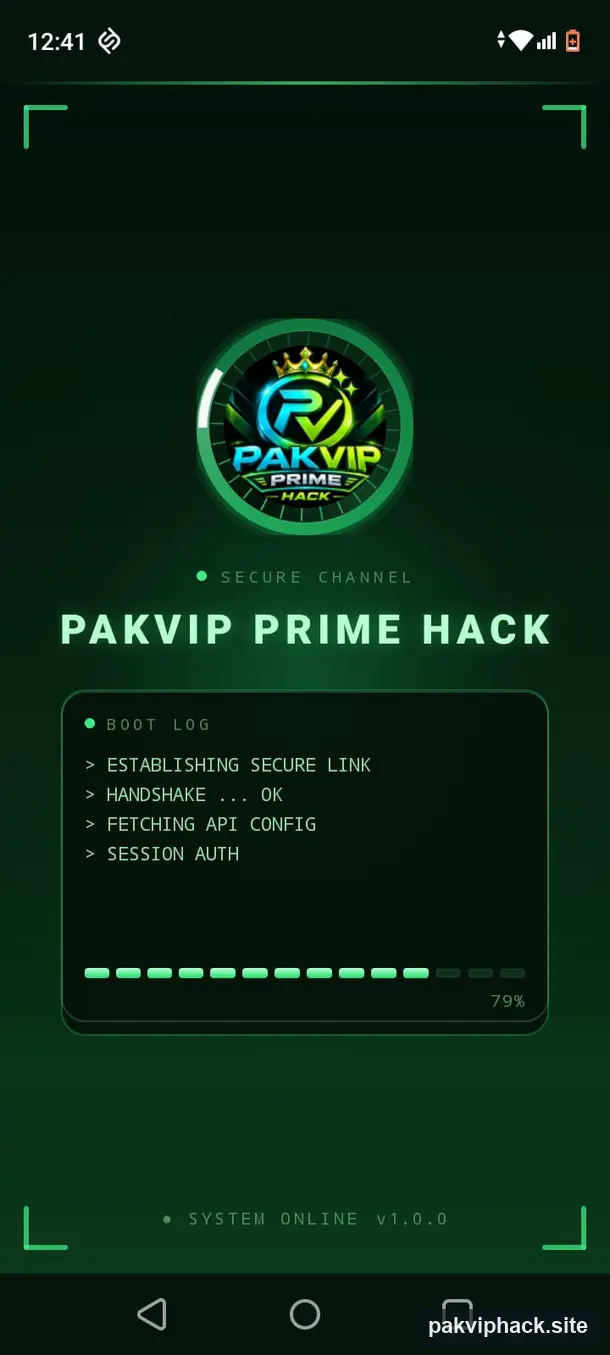
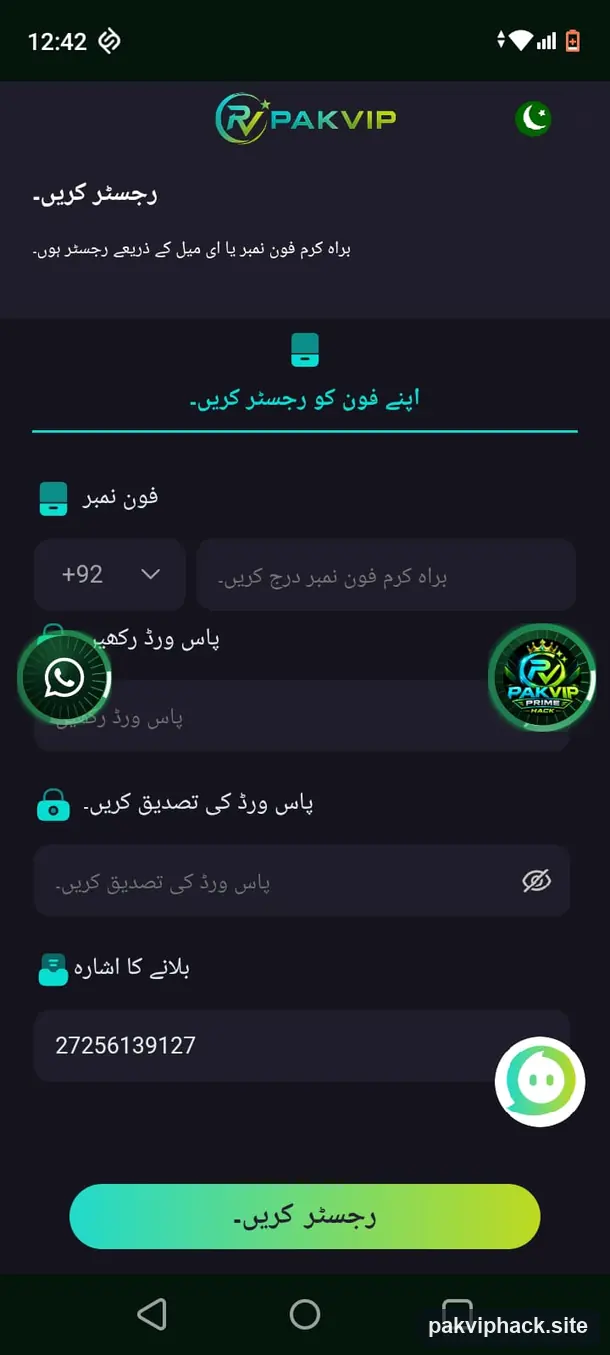
App screenshots
Troubleshooting
“App not installed” when I tap Install
Almost always an older copy still on the phone. Uninstall any previous PAKVIP Prime Hack build, including leftovers from a friend’s share, then install again. If it persists, check you have a few hundred megabytes of free storage and that the download finished — a partial APK fails at exactly this point. Re-download rather than retrying the same file.
“Unsafe app blocked” from Play Protect
Expected for any sideloaded APK. Tap the details link on the warning and choose to install anyway. You can leave Play Protect switched on afterwards — there is no need to disable it, and any guide telling you to turn it off permanently should be treated as a red flag.
My browser will not let me open the downloaded file
Open your Files or Downloads app instead of the browser, find PAKVIP-Prime-Hack.apk, and tap it there. Then grant “install unknown apps” to that file manager rather than to the browser.
The app opens but the history stays empty
It cannot reach the results feed. Confirm you are online, switch between Wi-Fi and mobile data once, and turn off any VPN, ad-blocking DNS or data-saver mode that might be filtering the request. Force-stop the app and reopen it; the 300-round window rebuilds from scratch on launch.
Predictions look weak or the grade keeps dropping
That is the engine working, not failing. When the recent window loses its structure the confidence grade falls, and a low grade is a genuine signal that there is nothing readable right now. It usually recovers as the window slides and new structure forms. Do not chase a low grade with a bigger stake.
Can I install it on an iPhone or a PC?
iPhone, no — iOS does not allow this kind of sideload, and any “PAKVIP hack for iOS” you find elsewhere is not ours. On a PC it will only run inside an Android emulator, which we neither test nor support.
Get the latest version
One file, one page, no mirrors. The 2026 build of the PAKVIP Wingo prediction hack APK, free.
Disclaimer
You download and install this APK entirely at your own risk. PAKVIP Prime Hack is independent and not affiliated with PAKVIP. Its predictions are not 100% accurate and are never a guarantee of any outcome. Play at your own risk, 18+ only, and stake only what you can afford to lose. Full terms are on the disclaimer page.